Outbound OS / The open-source WhatsApp CRM
Every conversation,
one place to act.
WhatsApp, email and customer records in one shared workspace. Read the history. Find the next step. Keep the conversation moving, at your desk or on your phone.
Open source · Free to self-hostConnected to the tools you work with
From first enquiry to the next reply
A workflow that keeps
the conversation moving.
Bring in the lead, follow up with control, and hand the conversation to a person when the customer answers.
One customer. A connected workflow.
A customer record, from the first hello.
Bring in enquiries from forms, Facebook Lead Ads and signed webhooks. Keep source details with the record, and merge a repeat enquiry into the existing lead.
Workflow illustration · sample records- Signed webhookYour connected source
- Facebook Lead AdsConnected forms
- Website formyoursite.com/contact
- Zapier · Make · n8nwebhook
- Wants
- 500 units, CIF Lagos
- Phone
- +234 ••• ••• 4471
- Source
- Webhook
One customer. A connected workflow.
A clear next step. A sensible rhythm.
Set your follow-up steps, sending hours and connected channels. Consent, opt-outs, approved templates and provider rules determine what can send.
Workflow illustration · sample records- Day 0First contact10:42 their time
- Day 1Follow-up09:30 their time
- Day 2Follow-up09:30 their time
- Day 3Last nudge09:30 their time
One customer. A connected workflow.
They reply. Your team takes it from here.
A customer reply stops scheduled follow-ups and appears in the inbox. Read the history, pick up the thread and keep the customer’s context close.
Workflow illustration · sample recordsDay 1 · follow-upCancelledDay 2 · follow-upCancelledDay 3 · last nudgeCancelled
Workflow examples shown with sample records. Your configured rules control sending.
Look inside
Your working day.
In full view.
Actual product screens, from the full desktop workspace to a focused mobile conversation. Try the demo to use it yourself.
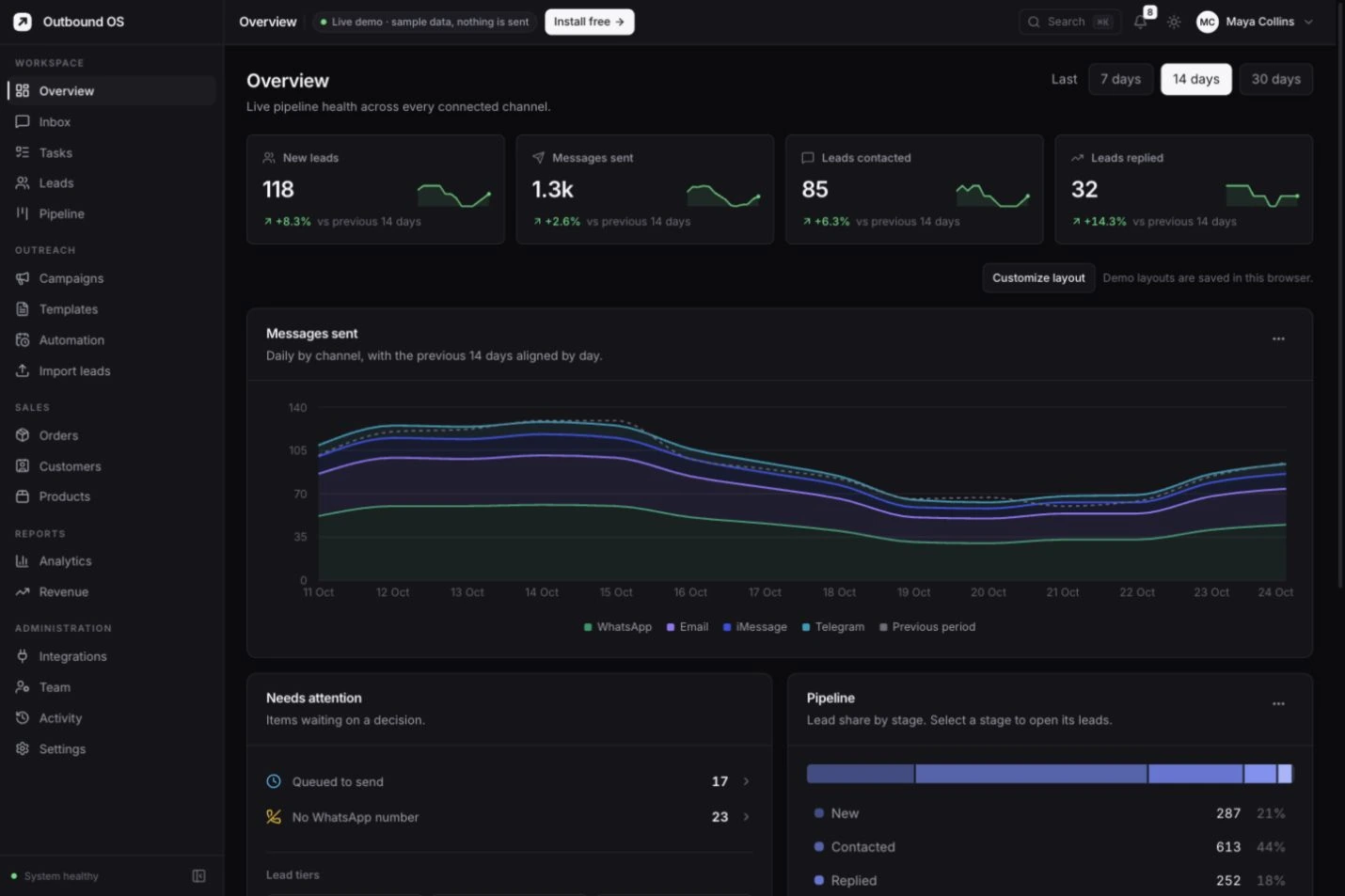
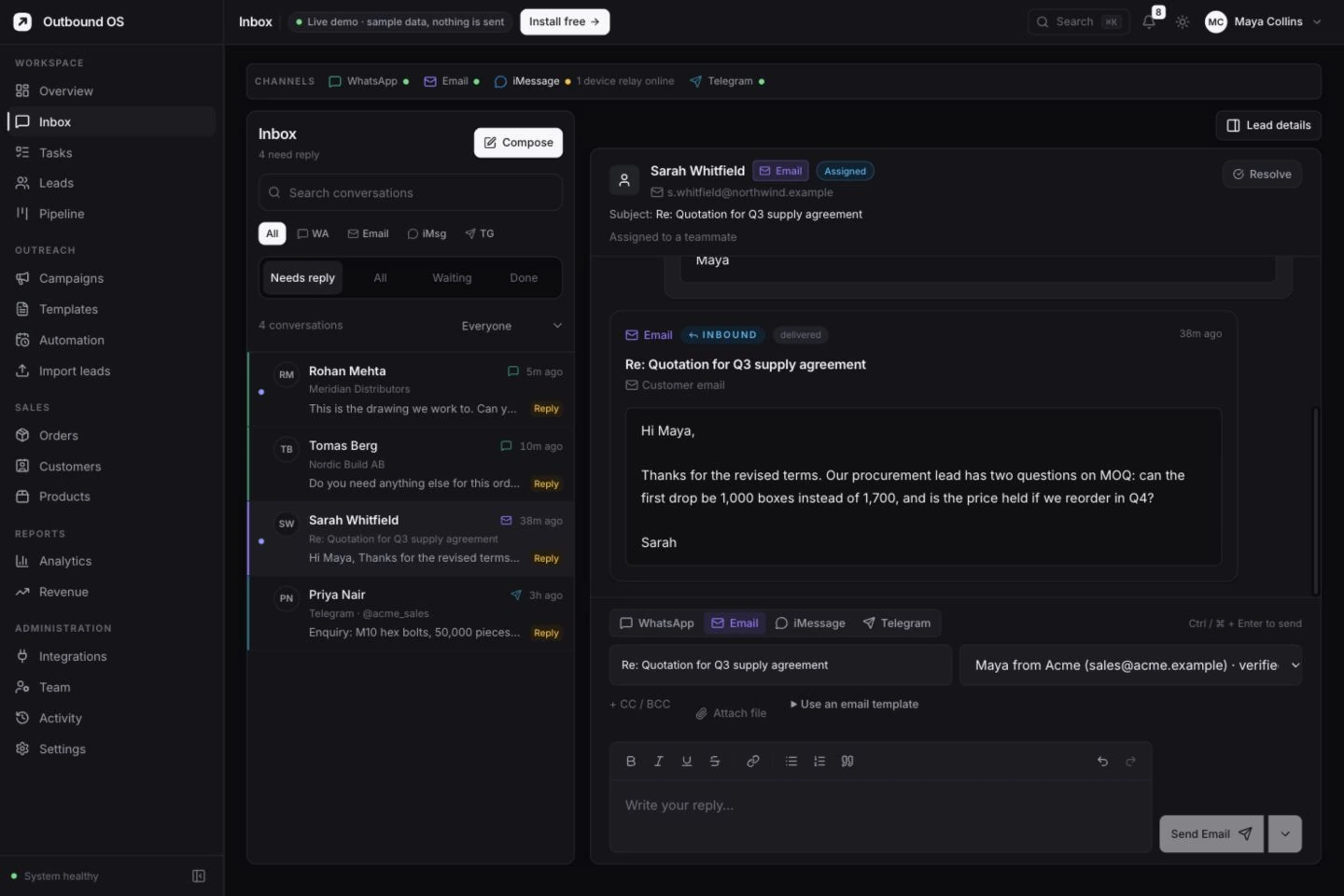
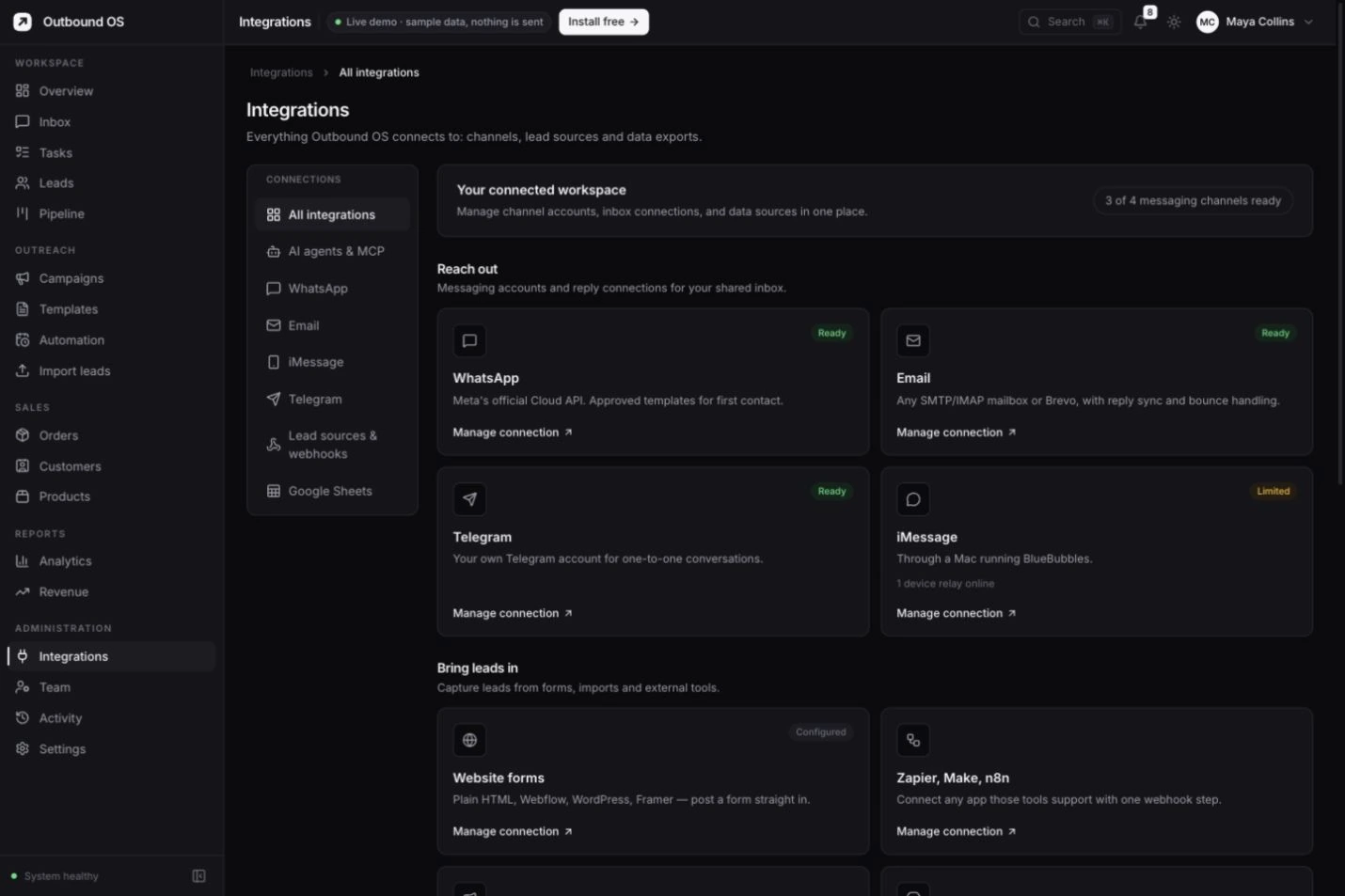
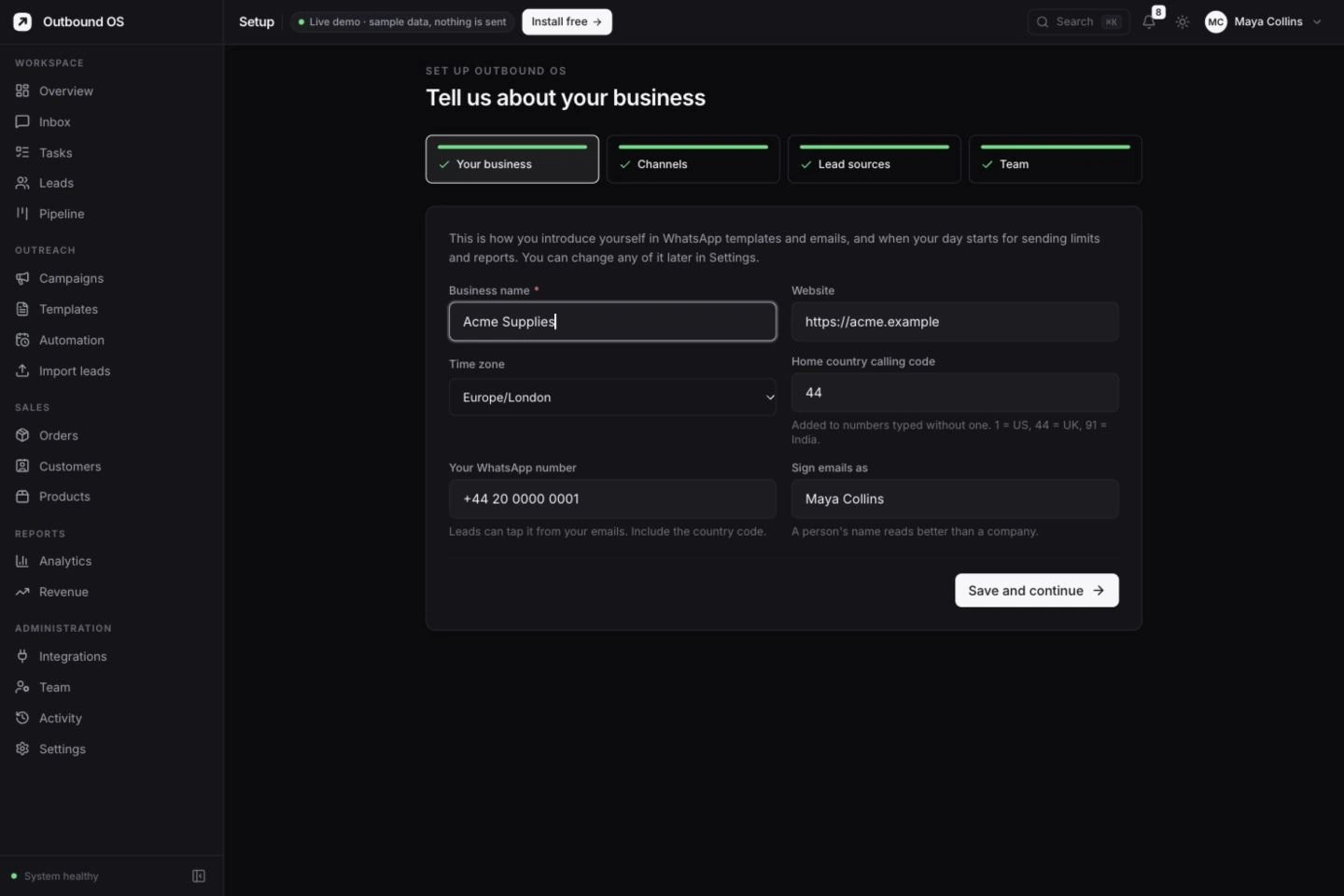
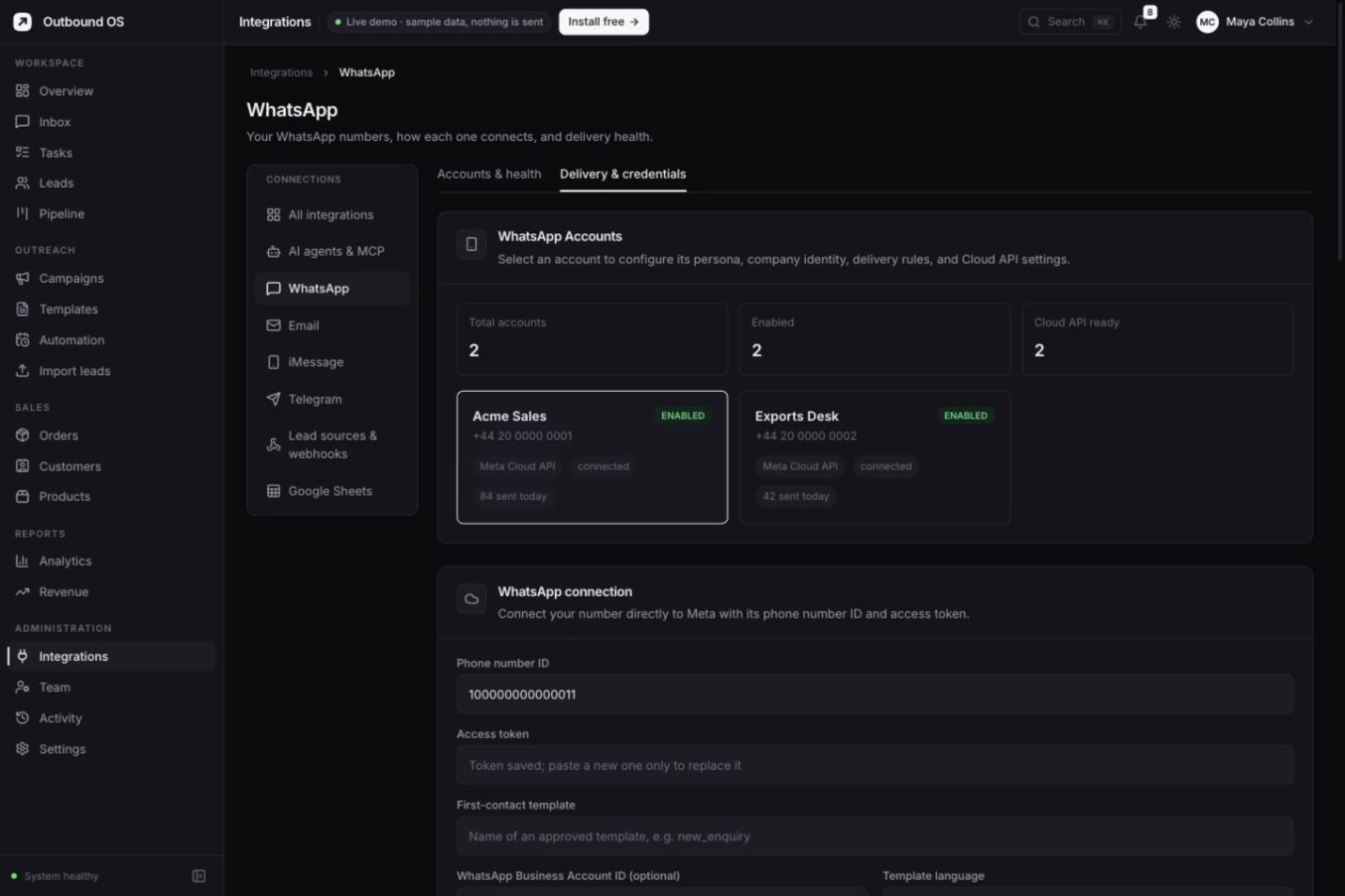
A daily view of new leads, messages sent and the people who replied. Product screenshot · sample data. Select a screen to view full size.
The same workspace. In your pocket.
Step away from your desk.
Stay in the conversation.
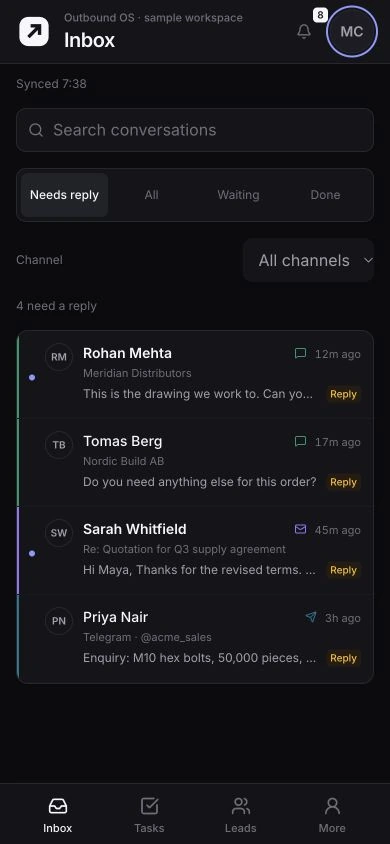
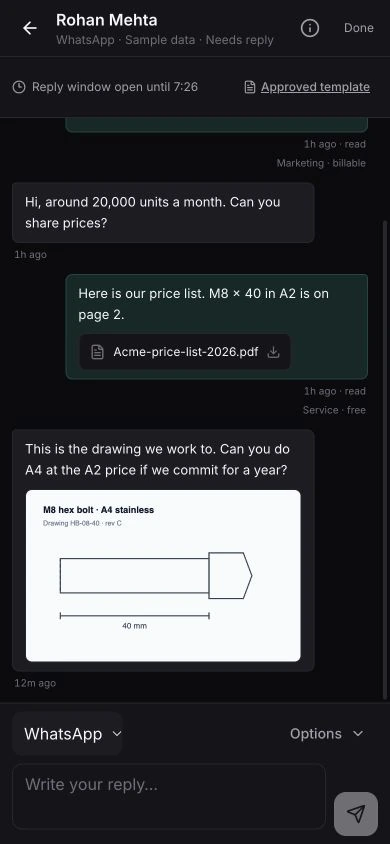
A focused sales workspace for the work that can’t wait. Read a reply, check the customer’s context and move the conversation forward.
- Start with what needs you. WhatsApp and email replies in one queue.
- Reply with the full picture. Message history, delivery status and the WhatsApp reply window.
- Keep the next step close. Follow-ups, leads and device notification settings.
Your tools. One working system.
Connected around
the customer.
Use your own business accounts. Bring enquiries into the workspace and connect the channels your team already uses.
01 Bring the enquiry in
02 Keep the customer together
- Enquiry
- M8 hex bolts · 20,000 units
- Context
- Source, contact details and message history
Match repeat enquiries to the same lead
03 Continue the conversation
- WhatsAppDirect Meta Cloud API
- EmailSMTP / IMAP or Brevo
- TelegramYour connected account
- iMessageThrough a Mac relay
Your connected accounts, consent and provider rules determine what can send.
Capture the enquiry and consent collected by your form. Keep the source key in a server-side handler where possible.
Set up website formsAn open workspace for your AI tools
Ask your CRM.
Then choose the next move.
Connect an MCP client to inspect leads, read conversations and work with campaigns through the product’s tools. Your assistant gets the context. You decide what to do with it.
Meet the MCP serverExample exchange with sample records.
Open source, all the way through
The software is yours.
The help is your choice.
Read the code, run your own instance and keep your customer data under your control. Our paid service is the work of setting it up and keeping it running.
A little help getting started
Your business. Your instance.
We can handle the setup.
Installation, channel connections, contact imports and a team walkthrough. Hosting and ongoing support are optional, with a scope and quote agreed first.
FAQ
Before you get started.
Is Outbound OS free?
Yes. The complete software is open source under AGPL-3.0. You can install it yourself without a software subscription. Hosting, WhatsApp messaging and other providers can have their own costs.
What can you set up for my business?
We offer installation, a direct Meta WhatsApp connection, email and lead-source setup, contact imports and a team walkthrough. Managed hosting and ongoing assistance are also available. We agree the scope and quote before work starts.
Can I keep my existing WhatsApp number?
We first check your current number and Meta Business account. A number already connected through another provider may need a migration. We plan that with you before making changes.
Does this include the WhatsApp messaging fees?
Software and setup services are separate from Meta messaging charges and other provider costs. Your proposal will explain which infrastructure costs are included and which are billed separately.
Can I move to self-hosting later?
Yes. Managed setup uses the same open-source product. You can export your data and run your own instance. We can include a handover in your service scope.